Suggested Products


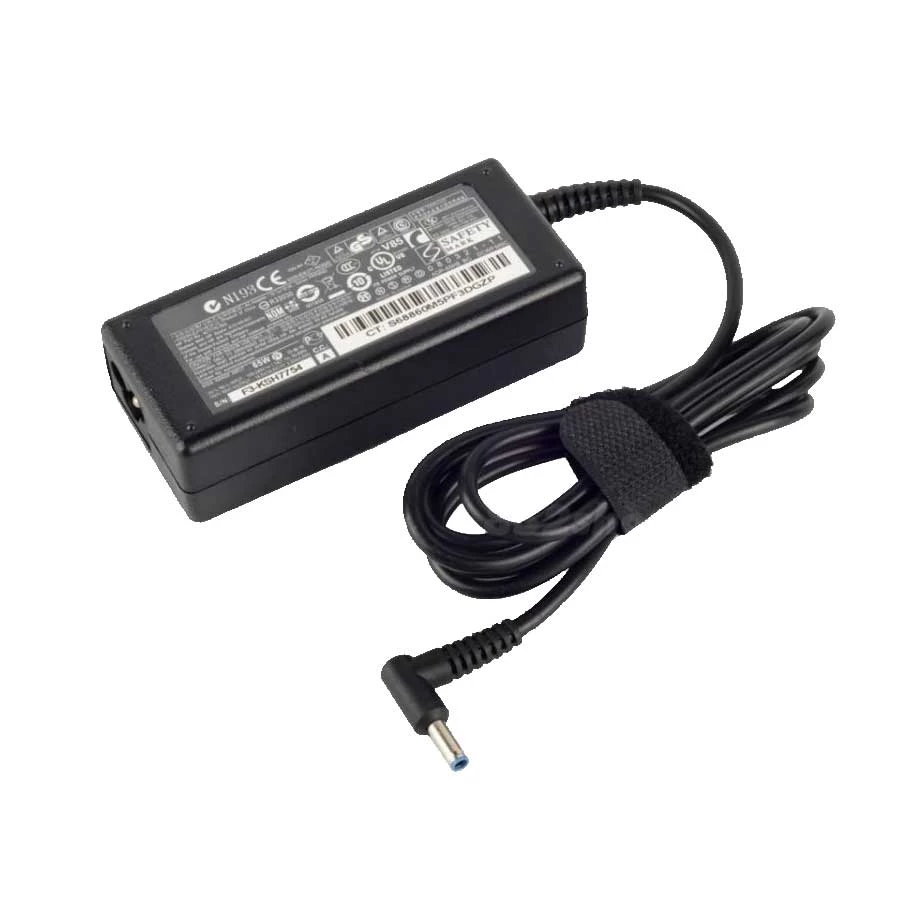
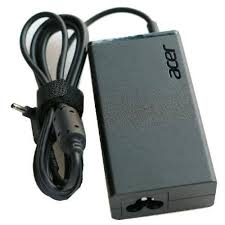
The Dell 65W "Blue Pin" Adapter (19.5V, 3.34A) is the standard power supply for a wide range of modern Dell laptops manufactured in the mid-2010s and later. Rated at 65 watts, it provides sufficient power for ultrabooks, 2-in-1 convertibles, and standard Inspiron models featuring Intel Core i3/i5/i7 processors.
The term "Blue Pin" is critical for compatibility. Dell has transitioned through several connector types. This 4.5mm x 3.0mm connector is physically thinner than older standards and is often, but not always, tipped in blue plastic.
| Connector Type | Size | Common Tip Color | Typical Use |
|---|---|---|---|
| "Blue Pin" (Slim) | 4.5mm x 3.0mm | Blue (or Black/Grey) | Modern Inspiron, XPS, Latitude |
| "Big Pin" (Old) | 7.4mm x 5.0mm | Black | Older Inspiron, Vostro, Latitude |
| USB-C | Type-C | N/A | Latest Dell laptops |
This 65W "Blue Pin" adapter works with hundreds of Dell laptop models. Here are the most common series:
| Series | Compatible Models (Partial List) |
|---|---|
| Inspiron | 11 3000 Series (3147, 3148, 3152, 3153), 13 5000/7000 Series (7347, 7348, 7359, 7368, 7378, 5378, 5368), 14 3000/5000 Series (3451, 3452, 3458, 5458, 5459, 3467, 7460), 15 3000/5000/7000 Series (3551, 3552, 3558, 3559, 5551, 5552, 5555, 5558, 5559, 5567, 5568, 5578, 7537, 7558, 7568), 17 5000/7000 Series (5758, 5759, 5767, 5770, 7779) |
| XPS | 13 (9333, 9343, 9350, 9360, L321X, L322X), 15 (9550, 9560), 18 (1810, 1820) |
| Latitude | 13 (7350, 3379, 3390 2-in-1), 14 (3480, 3490, 5480), 15 (3500, 3580, 3590, 5580), 12 Rugged Extreme (7212), 3400, 3301 |
| Vostro | 14 (3458, 3459, 3478, 5459), 15 (3558, 3559, 3562, 3578), 13 5000 |
| OptiPlex | 3020 Micro, 3040 Micro, 3060 MFF, 9020 Micro, 3070 (MT/SFF), 3080 (MFF/MT/SFF) |
| Chromebook | 13 7310, Inspiron Chromebook 11 3181 |
When searching for a replacement, these official Dell part numbers correspond to the 4.5mm x 3.0mm "Blue Pin" adapter:
| Reference | Part Numbers |
|---|---|
| Dell Part Numbers |
43NY4 C7HFG 492-BBOF 450-ADTR LA45NM131 DA45NM131 HA45NM140 HK45NM140 |
Have question about this product? Get specific details about this product from expert.
There are no questions asked yet. Be the first one to ask a question.