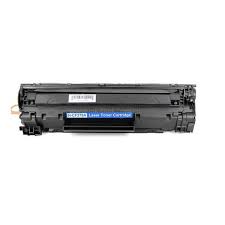
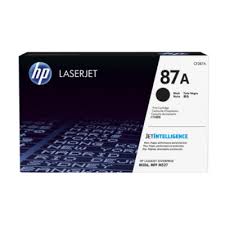
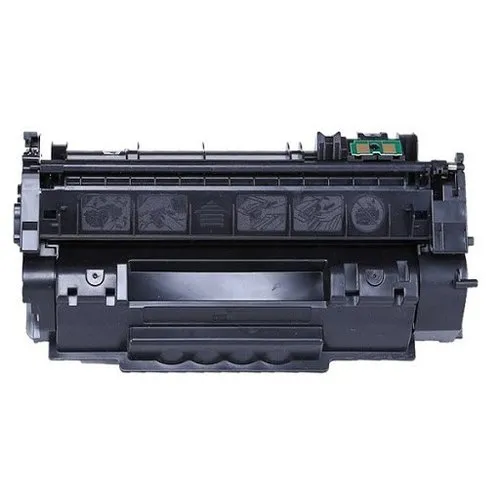
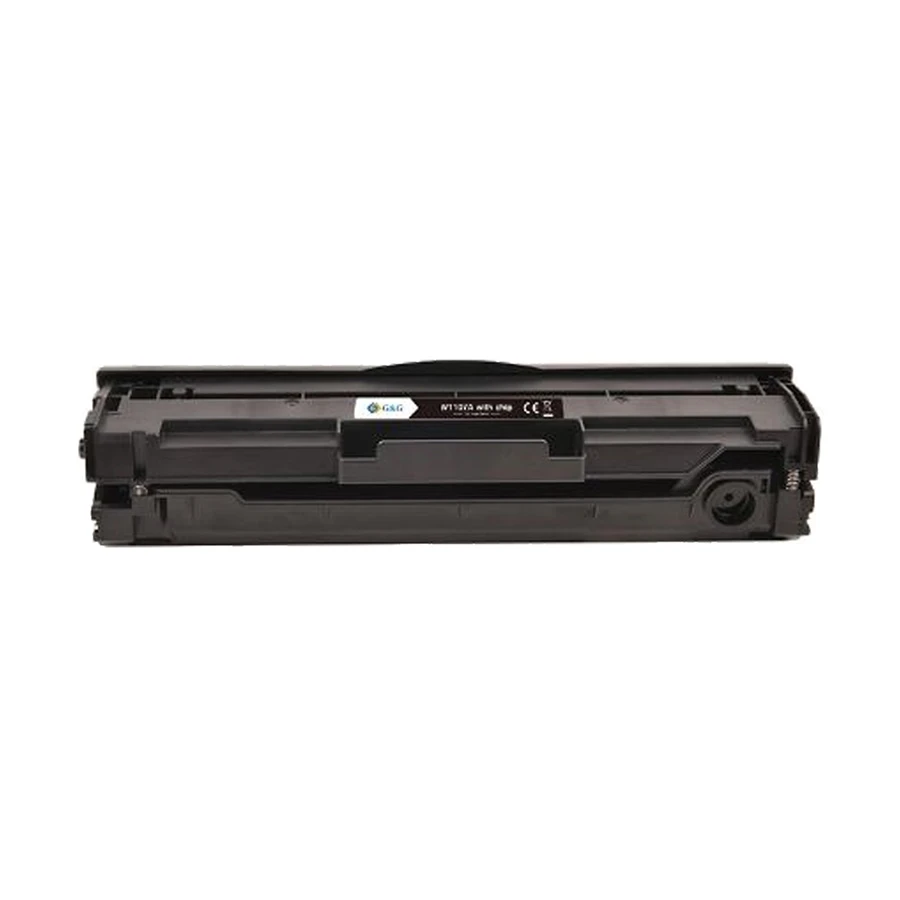
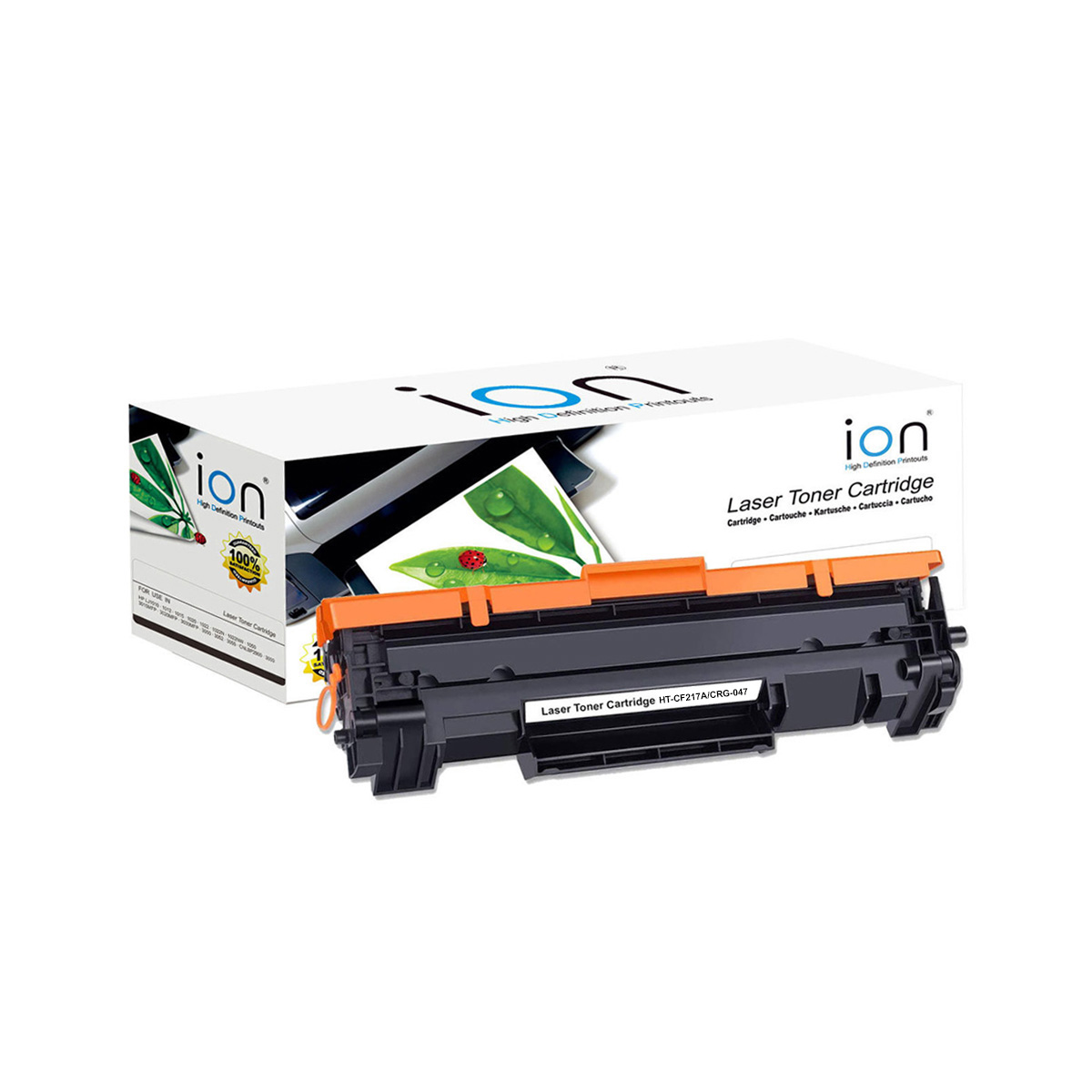
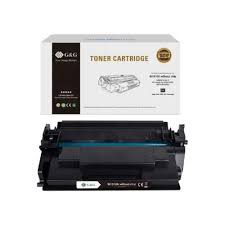
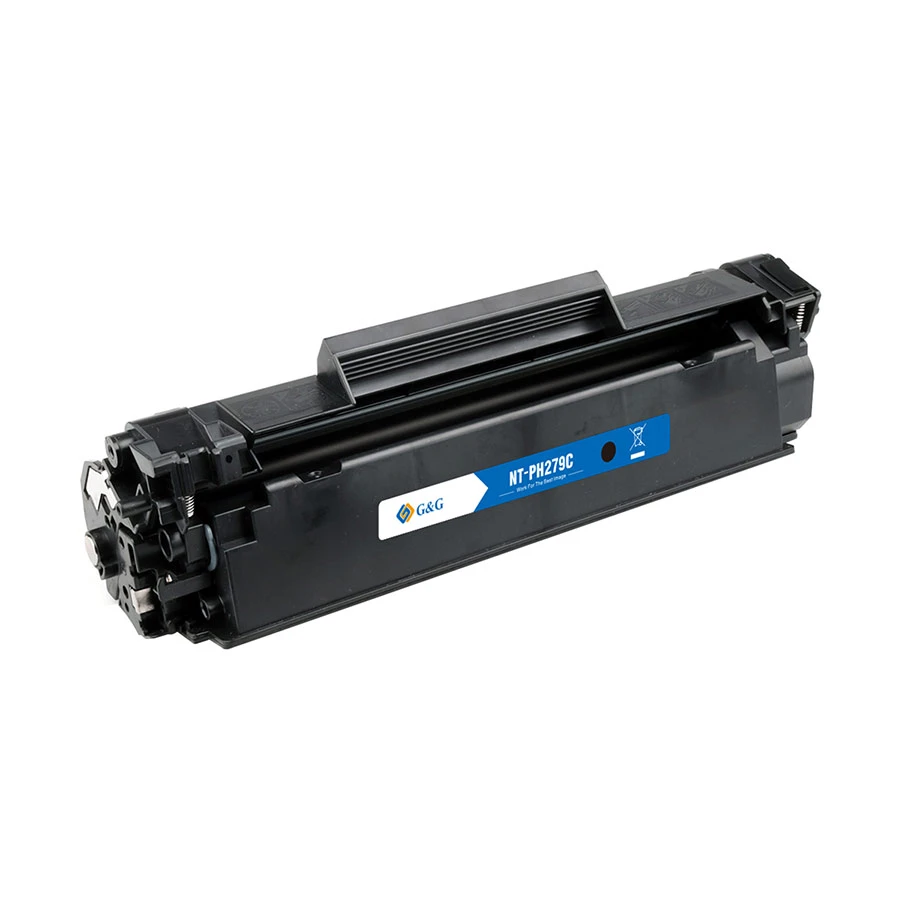
The HP 79A Black Original LaserJet Toner Cartridge (CF279A) is a genuine consumable designed to provide consistent, professional-quality printing for your HP LaserJet Pro printer . As an original HP product, it is engineered to work seamlessly with your printer to deliver reliable performance and high-quality output.
Performance & Quality:
This standard-yield cartridge produces sharp, crisp black text and clear graphics. Using genuine HP toner ensures optimal printer performance, helping to avoid issues like leaking, clogs, or poor print quality that can occur with non-original cartridges . The cartridge yields approximately 1,000 pages based on 5% coverage, making it suitable for typical home or small office printing needs .
Compatible Printers:
The HP 79A toner cartridge is specifically designed for use with the following HP LaserJet Pro printers :
HP LaserJet Pro M12a
HP LaserJet Pro M12w
HP LaserJet Pro MFP M26a
HP LaserJet Pro MFP M26nw
Installation:
Replacing the toner cartridge is a straightforward process :
Lift the scanner assembly and open the top cover.
Remove the old toner cartridge.
Unpack the new cartridge and remove the orange clip.
Gently rock the cartridge to distribute toner evenly.
Remove the sealing tape by pulling the orange tab.
Insert the new cartridge until it clicks firmly into place.
Close the top cover and lower the scanner assembly.
Sustainability:
HP incorporates recycled content in their original toner cartridges, supporting responsible manufacturing practices .